How to Find a Walk-In Dentist Near You
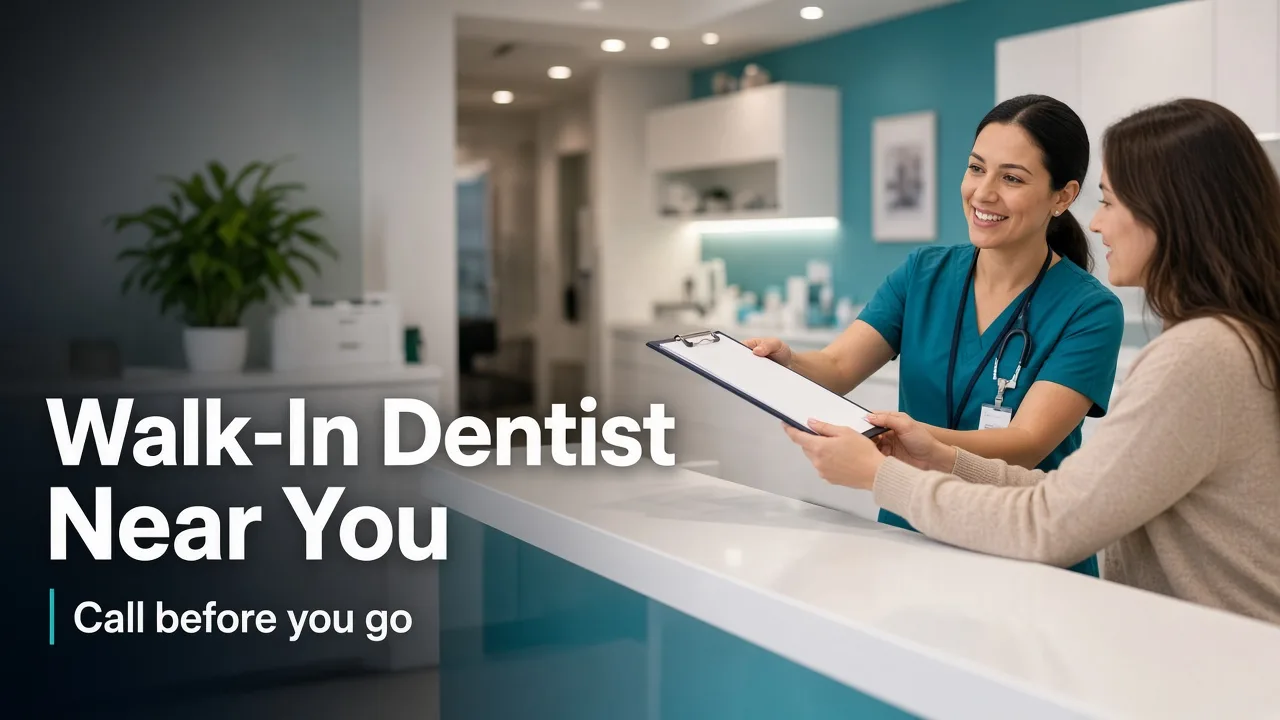
A practical guide to finding a walk-in dentist near you without wasting a drive. Start with your city, open the dental category on BizMox, and call to confirm before you go.
A walk-in dentist near you is easiest to find by starting with a specific city instead of a blank search box. On BizMox, open your city page, choose Dental Care, and then tap Call on the offices that look like a fit. Walk-in hours are never guaranteed on BizMox, and BizMox does not book appointments — the phone call is the step that confirms anything.
Start With a City, Not a Blank Search
Searching for a walk-in dentist near you usually lands you on a map with a dozen pins and very little context. A better first step is to pick the city you are actually in, or the one you are willing to drive to, and browse that city's dental category. That trims the list to offices you can realistically reach before the pain or the schedule gets worse.
Here is how the dental category looks in a few cities BizMox covers, based on our current directory data. These are approved listings on BizMox — not a complete census of every practice in each city.
- Tumwater, WA — 42 approved listings on BizMox in Dental Care
- Graham, WA — 19 approved listings on BizMox in Dental Care
- Gig Harbor, WA — 82 approved listings on BizMox in Dental Care
- Federal Way, WA — 174 approved listings on BizMox in Dental Care
- Shoreline, WA — 78 approved listings on BizMox in Dental Care
Open the city page first, then the dental category, then the listing. Working in that order keeps you from comparing offices across town that you would never actually drive to.
What Walk-In Actually Means
A walk-in dentist is a practice that will see patients who arrive without a scheduled appointment, but the phrase covers a wide range of setups. Some offices set aside part of the day for urgent visits, some squeeze people in between booked patients, and some use "walk-in" loosely to mean "call us and we will try." None of that is standardized, which is why a sign on a door is not a promise.
It also helps to think about what kind of care you need. A chipped tooth, a lost filling, or a dull ache that has been building for a week is a different situation from facial swelling or a tooth that has been knocked out. Dental offices handle the first group routinely; the second group should be assessed quickly by a dental or medical professional. BizMox does not diagnose or rank care — it helps you find the office, and the office tells you what it can do.
Call Before You Drive
A BizMox listing shows a phone number when we have one, so you can tap Call and reach someone at the front desk. That call is the fastest way to learn whether the office can see you today, roughly how the day is shaping up, and whether they would rather you come in or call somewhere else. Do this before you get in the car, especially if you are crossing a city line to get there.
Keep the call short and specific. A receptionist can answer faster when you lead with what happened and when, rather than a general question about availability.
- What happened, and when it happened
- Whether you are in pain right now, and how bad it is
- Whether you are a new patient or have been seen there before
- What dental coverage you have, if any
- How far away you are and how soon you could arrive
Use Emergency Dental Hubs When It Hurts Now
When the problem cannot wait, start with an emergency dental hub rather than the general category. BizMox keeps dedicated pages that group local listings for people who need help today, including the Tumwater emergency dental hub with 20 approved listings on BizMox and the South Gate emergency dental hub with 37 approved listings on BizMox.
A few situations call for 911 or an emergency room rather than a dental office: trouble breathing or swallowing, swelling that is spreading toward your eye or neck, uncontrolled bleeding, or a head injury alongside a dental injury. For everything else — a cracked tooth, a sudden ache, a lost crown — call dental offices first and describe what is going on so a professional can advise you on next steps.
What a BizMox Listing Will and Will Not Show
A listing is a starting point, not a booking system. Here is the honest split.
- What it shows: the business name, address, phone number, category, and city, plus a tap-to-call link.
- What it does not show: guaranteed walk-in availability, current wait times, prices, insurance participation, or same-day openings.
BizMox does not book appointments. There is no scheduling button that reserves a chair, and no listing should be read as a promise that a dentist is free right now. Treat each listing as a verified phone number and a location, then let the office confirm the rest. Directory details can change, so if a number does not connect, try the next listing in the same city.
Questions to Ask on the Phone
A short, focused call saves a wasted trip. These questions cover the gaps a directory cannot fill.
- Are you accepting new patients today?
- Can you see someone without an appointment, and how busy is the office right now?
- Do you handle this type of problem, or should I call another office?
- What should I bring with me?
- Is there any paperwork I can complete before I arrive?
- If you cannot see me, who else in the area should I call?
Write down the answers for two or three offices before you choose one. If the first office cannot help, you already have a backup number and are not starting over. And if a dental problem is getting worse rather than better, keep calling until a professional has looked at it — waiting out pain is rarely the cheaper or safer option.
Finding a walk-in dentist near you comes down to three steps: pick your city, open the dental category, and call to confirm. BizMox gives you the local list and the phone numbers; the office gives you the answer. Find dentists on BizMox to build your short list, and if the situation is urgent, head to the emergency dental hub for your area instead of waiting on a general search.
Frequently Asked Questions
Comments (0)
Leave a Comment
You need to be signed in to leave a comment.
Sign in to comment